Drawings, made real

Real transformations, side by side. Drag any handle to reveal the drawing underneath the AI result.
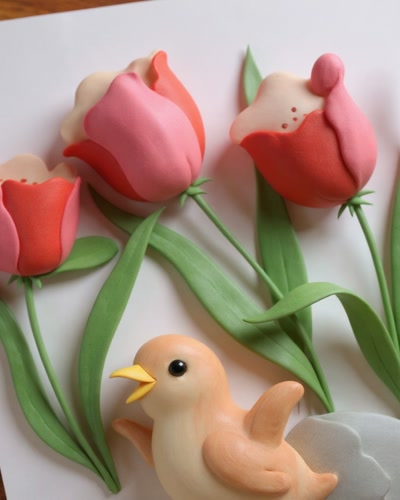
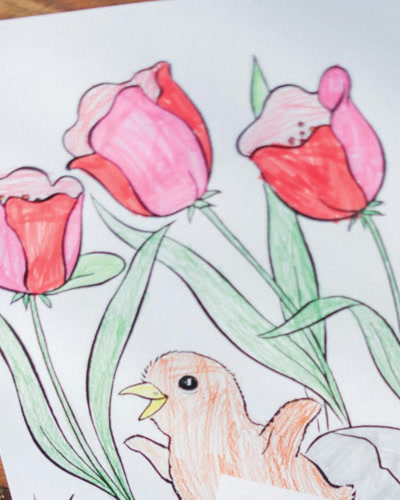
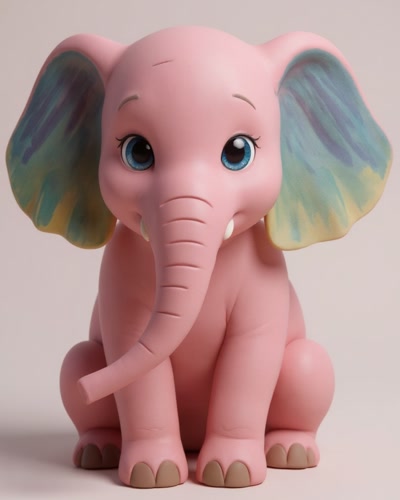
A child's crayon drawing rendered as a photorealistic image.
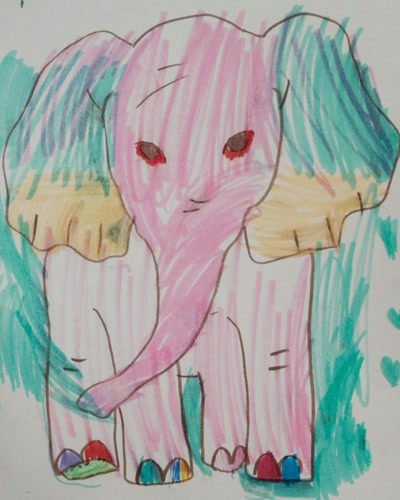
Original crayon drawing by a child, before AI transformation
Drawing
AI result
Crayon drawing A child's crayon drawing rendered as a photorealistic image.
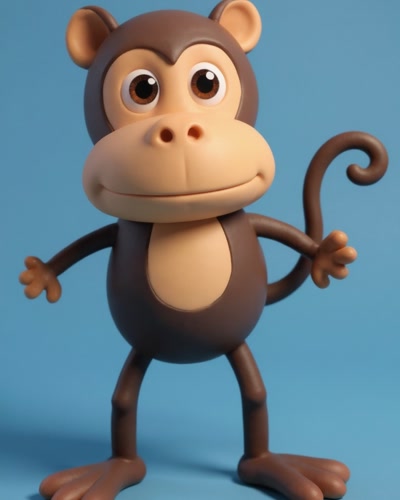
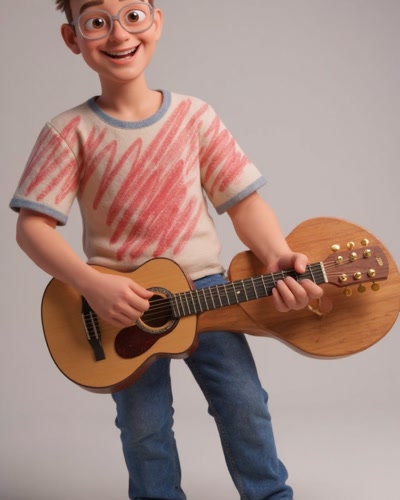
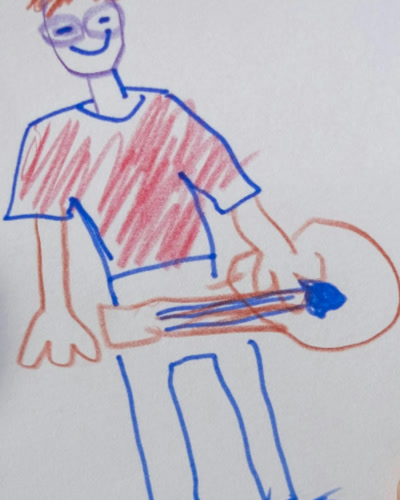
A felt-tip character drawing turned into a lifelike photo by AI.
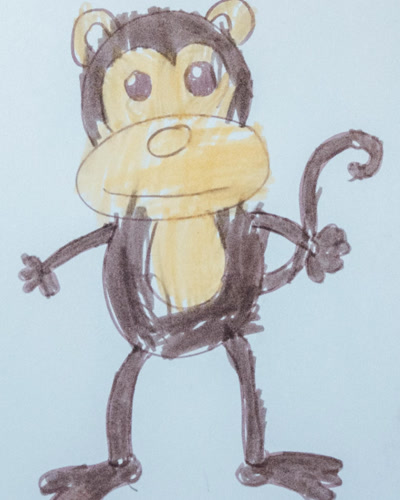
Original felt-tip character by a child, before AI transformation
Drawing
AI result
Felt-tip character A felt-tip character drawing turned into a lifelike photo by AI.
A hand-drawn creature sketch transformed into a realistic image.
Original creature sketch by a child, before AI transformation
Drawing
AI result
Creature sketch A hand-drawn creature sketch transformed into a realistic image.
A colourful pencil drawing by a child, reimagined as a photograph.
Original coloured pencil drawing by a child, before AI transformation
Drawing
AI result
Coloured pencil drawing A colourful pencil drawing by a child, reimagined as a photograph.

About these examples

Every image here is an unedited result from the app — a photograph of a drawing on the left, the AI output on the right. Nothing has been retouched afterwards, because the point is to show what you actually get rather than a best case that never repeats.

Inside the app there is a community gallery where families share their own transformations. Sharing is entirely optional and off by default; drawings stay private unless a parent deliberately makes them public, and they can be made private again at any time.

Want to try it on the drawings currently covering your own fridge? See how photo transformation works, or jump straight to animated video.

Ready to see the magic?

Download DoodlyBoo and turn the next drawing on your fridge into something unforgettable.

Free to download — you get 1 free credit to try it out.